0 Items
No products in the cart.

57 items in stock
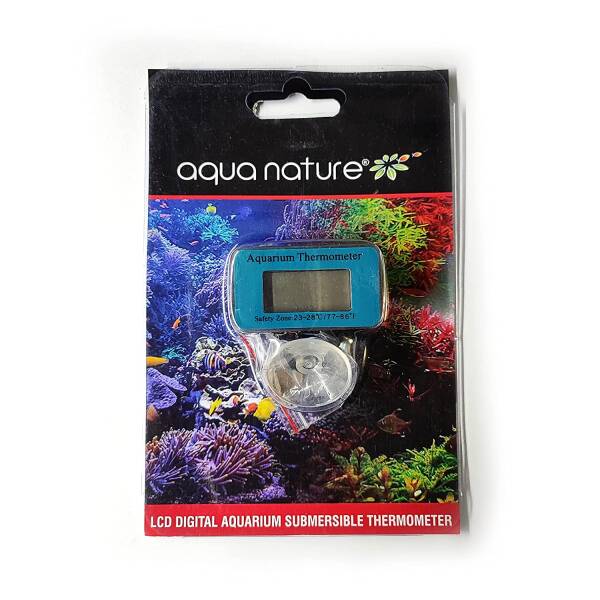
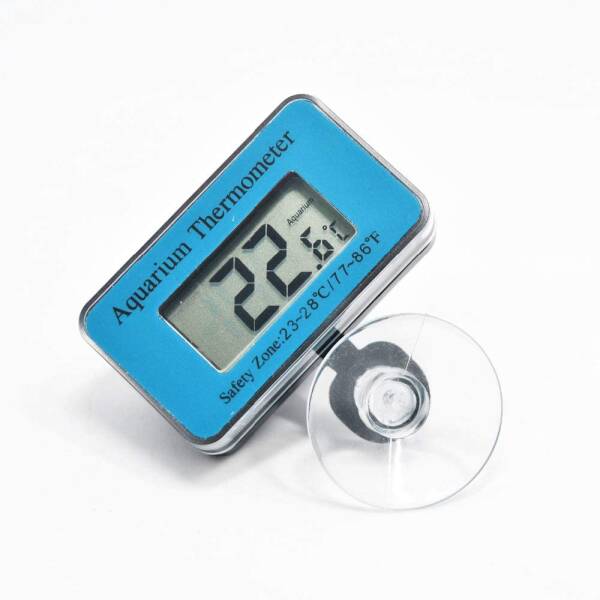
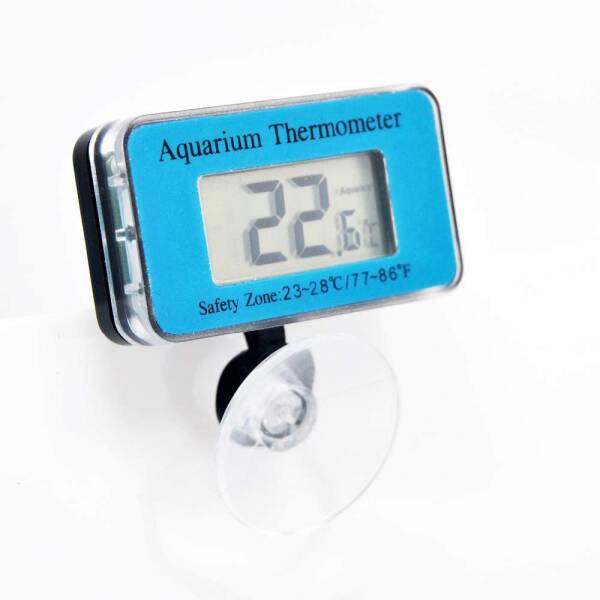
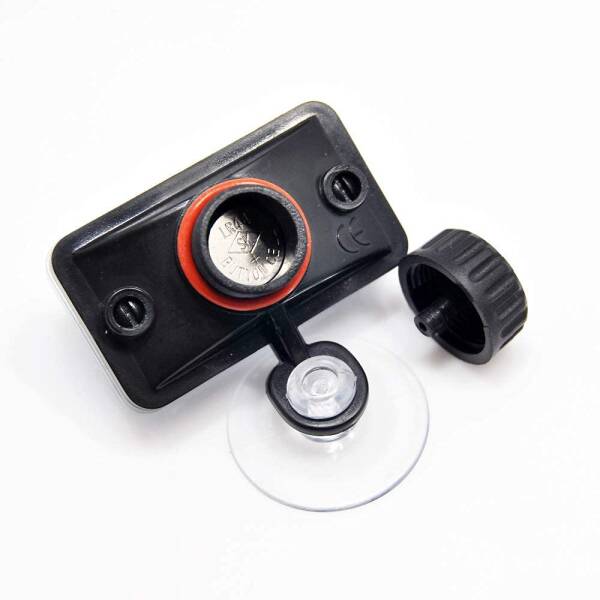
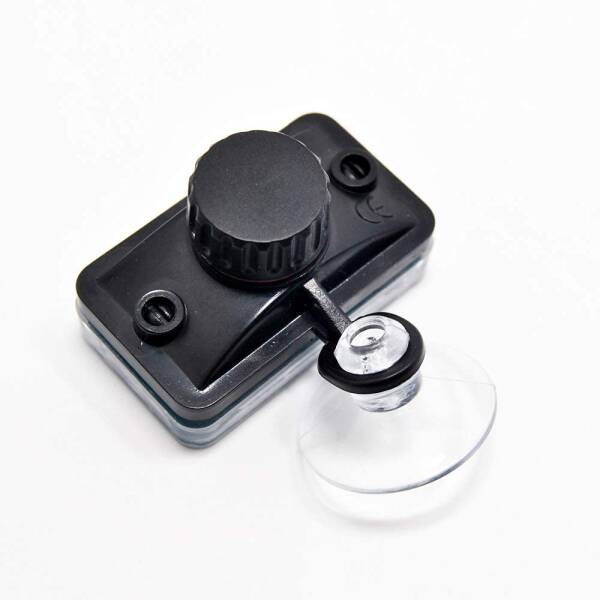
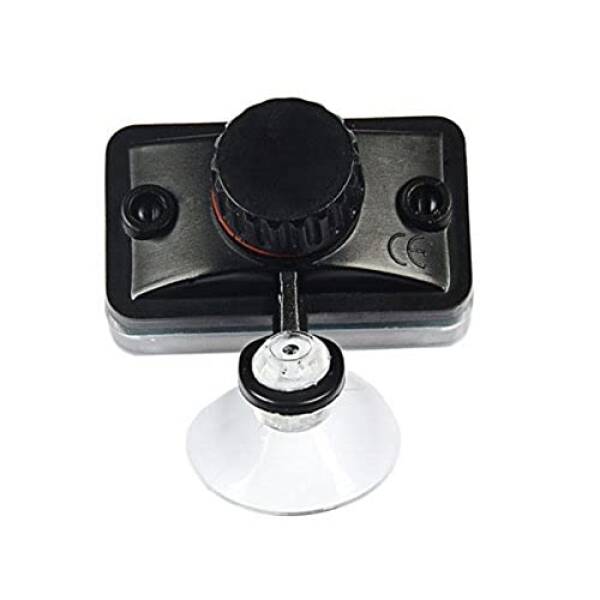
1) Open the battery cover and insert battery with (+) positive side up. The LCD will now display the current room temperature. 2) Using the suction cups provided, and attach the display unit to the outside of the aquarium. Submerge the probe into the water in the aquarium. Do not submerge the display unit. Only the probe is water resistant. 3) To preserve battery life, press the PWR button for three seconds to power off or remove the battery. To power on, press once the PWR button. 4) If the LCD displays H°C, which means temperature reading is higher than 70°C. If display L°C, which means temperature reading is lower than -50°C.
| Brands | aquanature |
|---|














Reviews
There are no reviews yet.